Purchasing: Create and Copy Purchase Orders in Plain Language


Who it helps
Purchasing teams
Functions
Purchasing
System
IFS Cloud
Mode
Ask First
What iVerse handles:
Reads an existing purchase order and its lines
Creates the new order with the same details
Links the new order in the chat
The Problem
Repeat orders are common, but creating one still means re-entering suppliers, parts, quantities and delivery details that already exist in a previous order. The work is repetitive, easy to get wrong and pulls purchasing teams away from supplier and cost decisions.
Our Solution
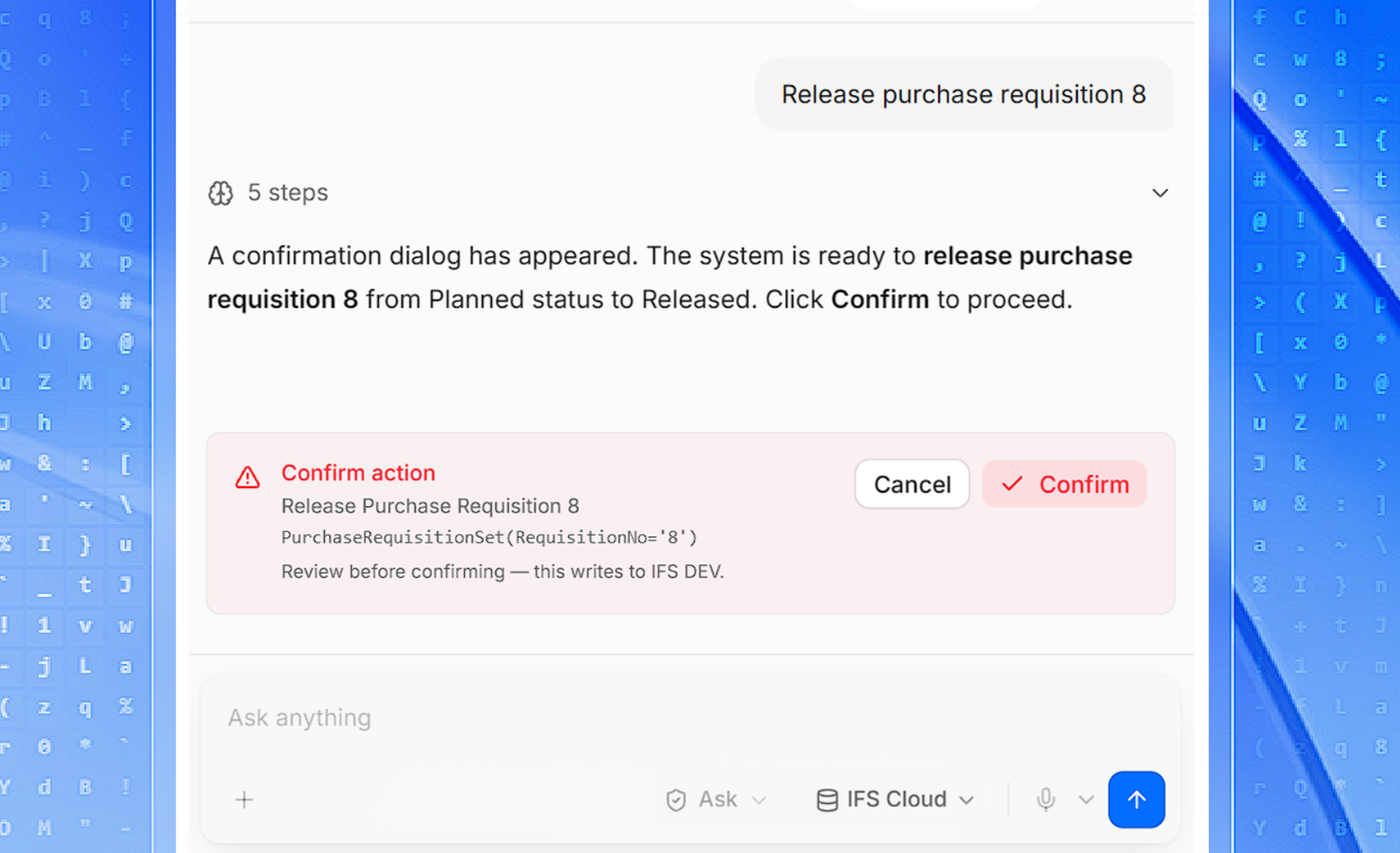
A purchaser asks iVerse to create a new purchase order with the same details as an existing one. iVerse reads the source order from IFS Cloud, plans the steps and creates the new order within the user’s permissions. The reply includes the new order number with a direct link to it.

The Outcome
Copying an order becomes one request instead of a form-filling session. The source data comes straight from IFS Cloud, so details stay consistent, and every action iVerse takes is recorded in the audit log.